
Create an API key
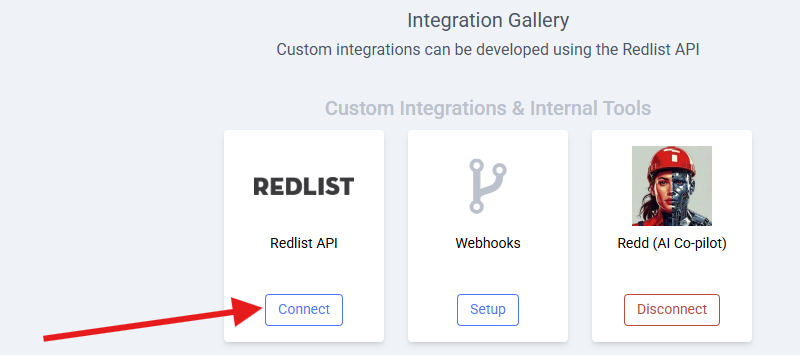
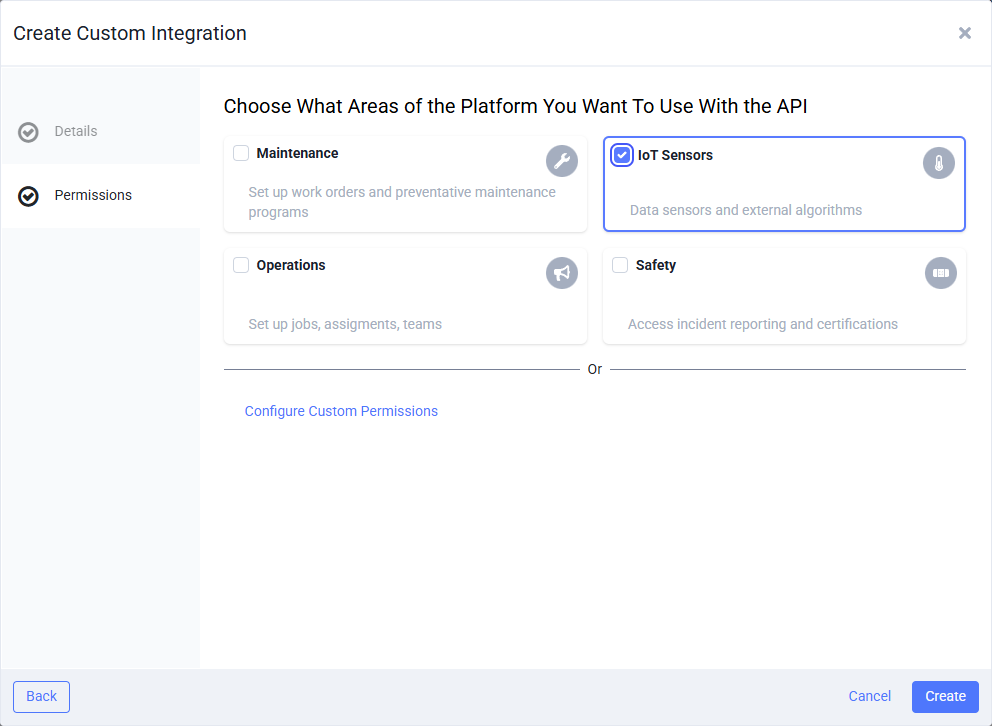
An API key lets another system call Redlist as an integration, with only the permissions you choose. The REST API, GraphQL, webhooks and Zapier all use it. Each key belongs to one Redlist account.

Use it
Send all three values as headers on every request:
To check a key works and see what it can do, call GET api/Me. It returns the account, the integration name and its permissions.
To change a key's permissions or turn it off, open the integration in the Integration Hub. Manage integrations in Redlist ↗
Next
← Previous: Overview Next: Rate limits & errors →